![logo.png]](https://kb.prologicfirst.online/hs-fs/hubfs/Imported%20sitepage%20images/logo.png?height=40&name=logo.png)
Prerequisites:
-
WebTouche Link
-
Administrative Configurations Login
- Access to UpdateMIS
-
Check Number
This is not applicable for CAP server setups, kindly reach out to us once you attempt to do the same.
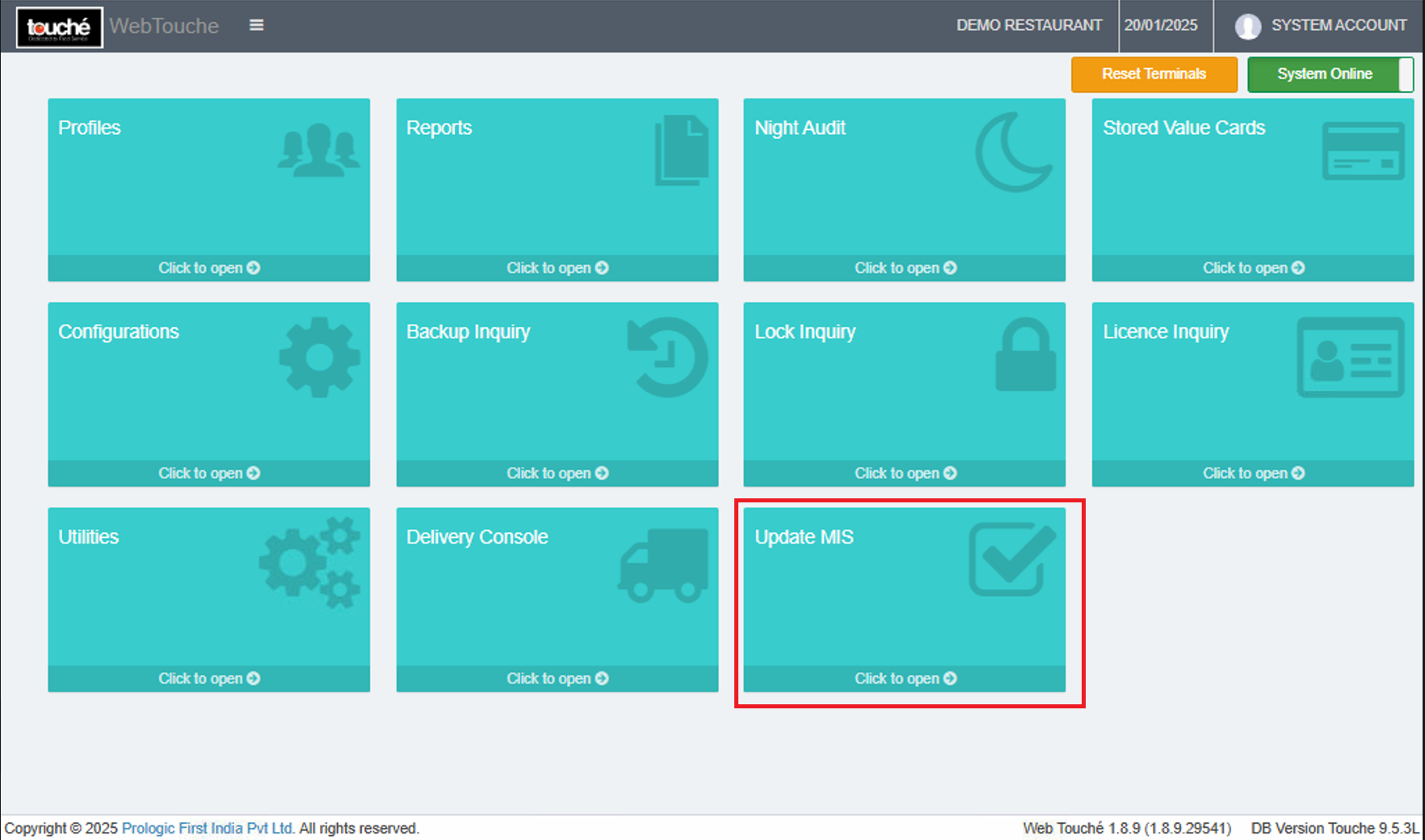
1. After Logging into WebTouche, select UpdateMIS
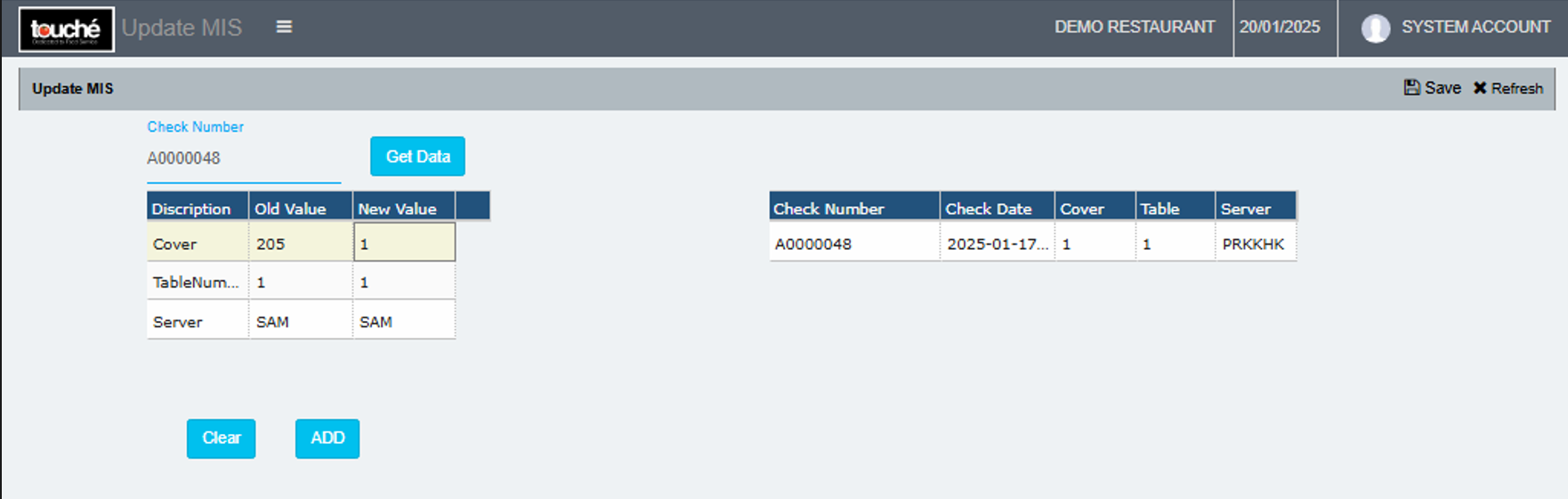
2. Enter check number and select Get Data, further to which you can edit the data under New Value columns and select ADD. Click Save once done and verified.
3. Verify in the Settlements reports once done.