![logo.png]](https://kb.prologicfirst.online/hs-fs/hubfs/Imported%20sitepage%20images/logo.png?height=40&name=logo.png)
Upon clicking, you'll see a list view displaying all users registered in the system. You can find the status of each user in the "Total Qualified Users" section of the page.

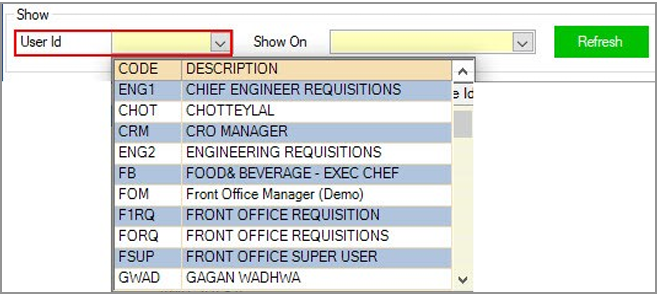
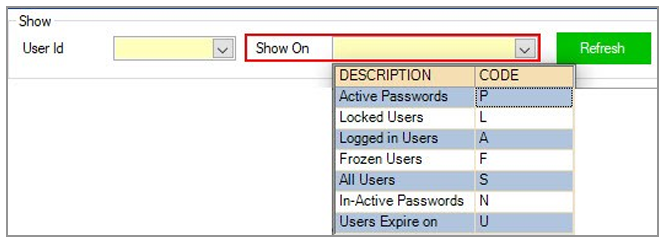
You can manage a specific user account by searching for their User ID in the dropdown menu under the ‘Show’ option. Additionally, you can filter user accounts based on their status by selecting from the ‘Show On’ option dropdown menu.
The status of all the users could be found in the Total Qualified Users section of the page

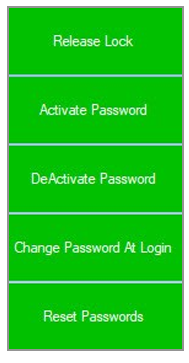
You can change password functions of the users by selecting the user and clicking on either of the options.