![logo.png]](https://kb.prologicfirst.online/hs-fs/hubfs/Imported%20sitepage%20images/logo.png?height=40&name=logo.png)
Prerequisites;
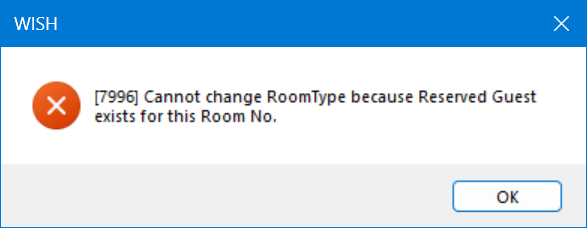
We cannot change the room type for certain rooms if any in-house guests are occupying them. If a room is occupied, an error will be generated as shown below. Please ensure that the room does not have any current in-house guests or any future reservations before attempting to change the room type.
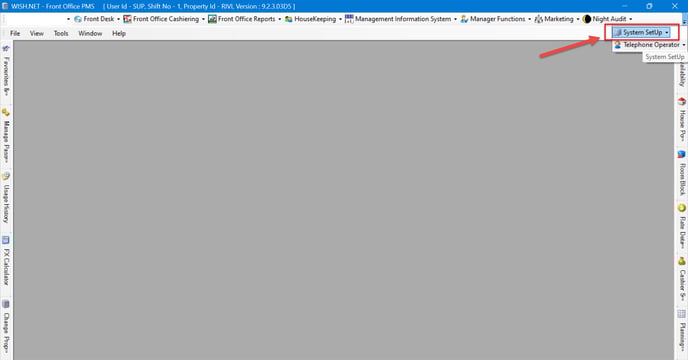
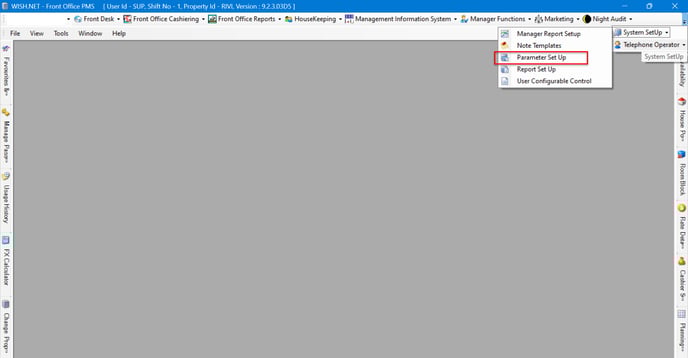
- Go to Frontdesk and find System setup in the bar as shown below
- Find Parameter Set Up
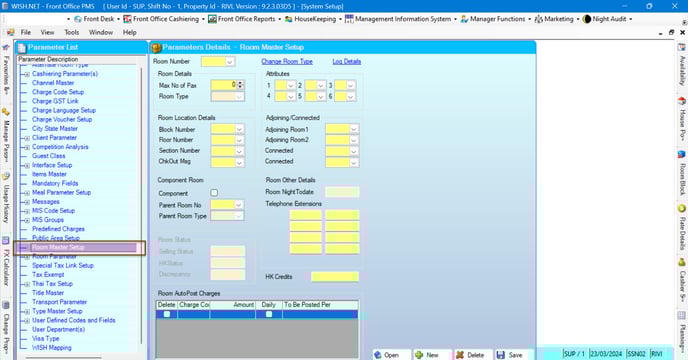
- In Parameter Set Up find the Room Master
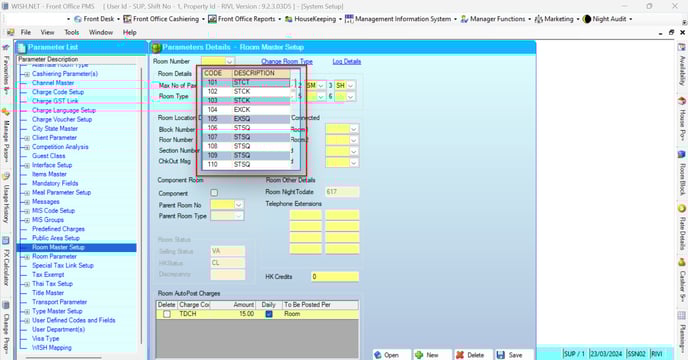
- Find the room you want to change the room type;
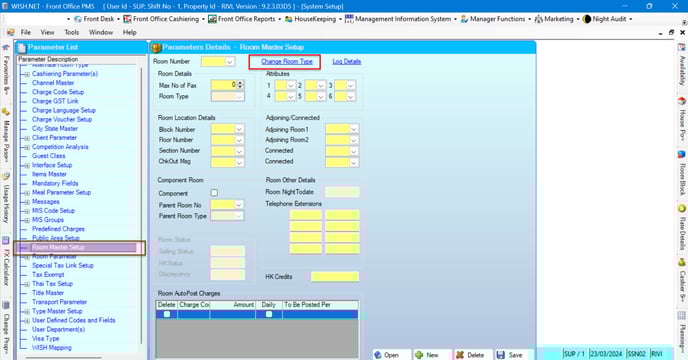
- Then click Change room type; (EDITITTITITI)
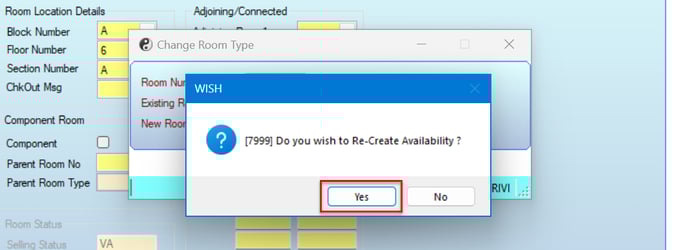
- Select the new room type;
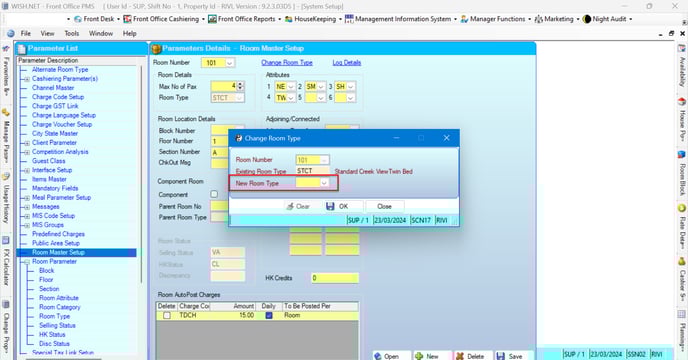
- Select the New Room type for the mentioned room
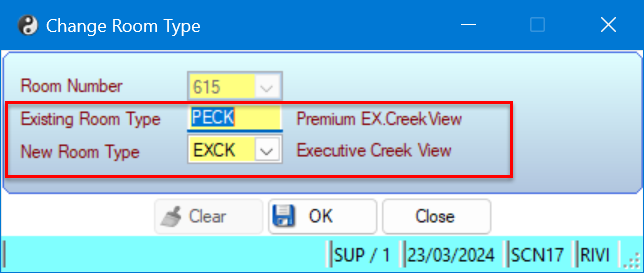
- Press Ok Button
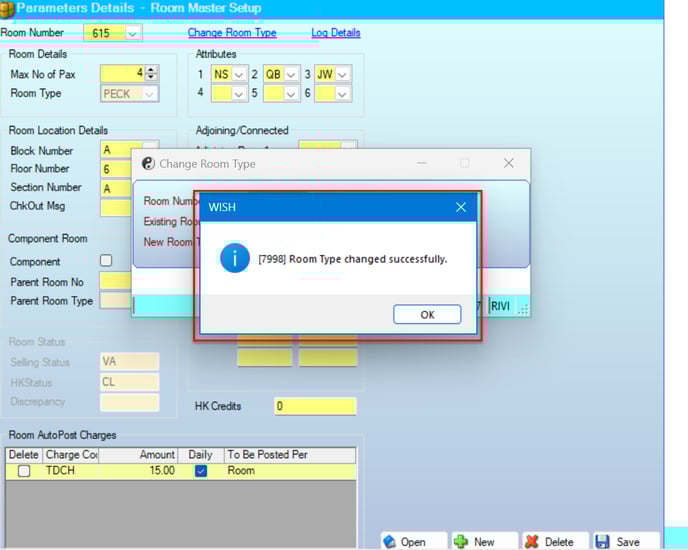
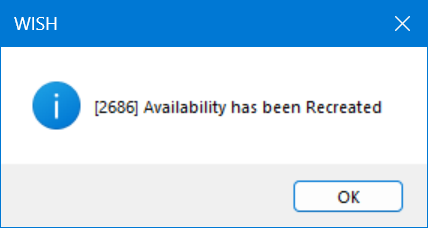
- Press Yes for the next Dialog box