![logo.png]](https://kb.prologicfirst.online/hs-fs/hubfs/Imported%20sitepage%20images/logo.png?height=40&name=logo.png)
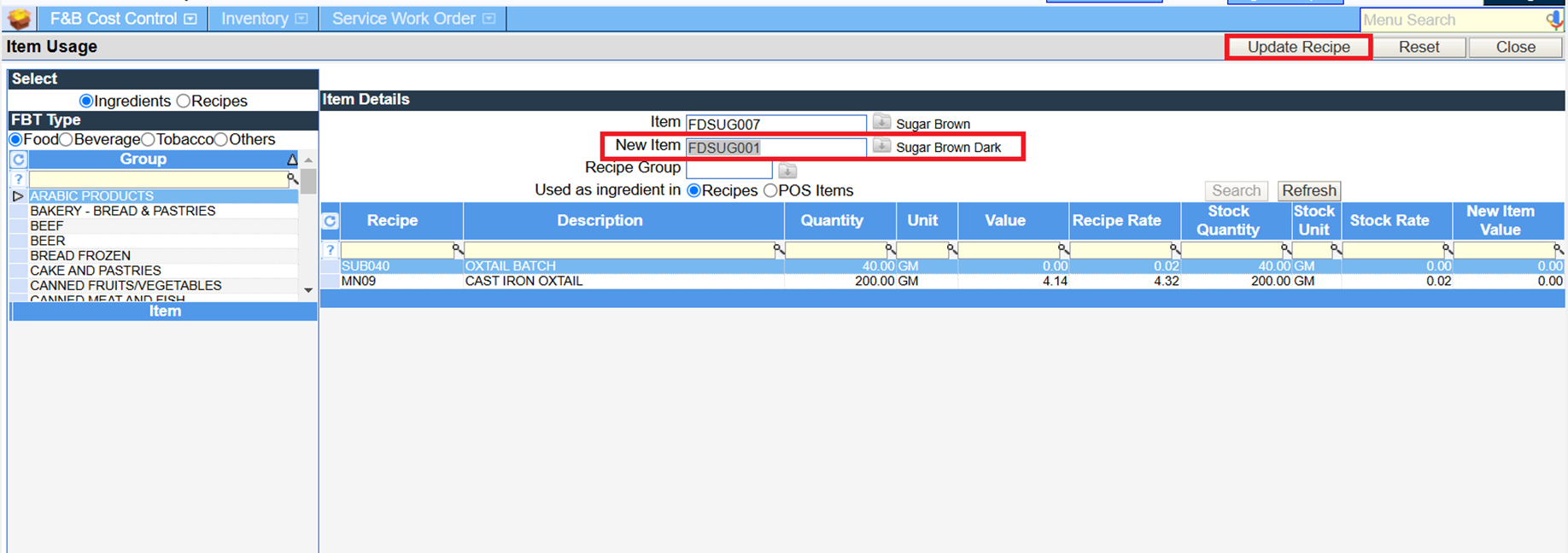
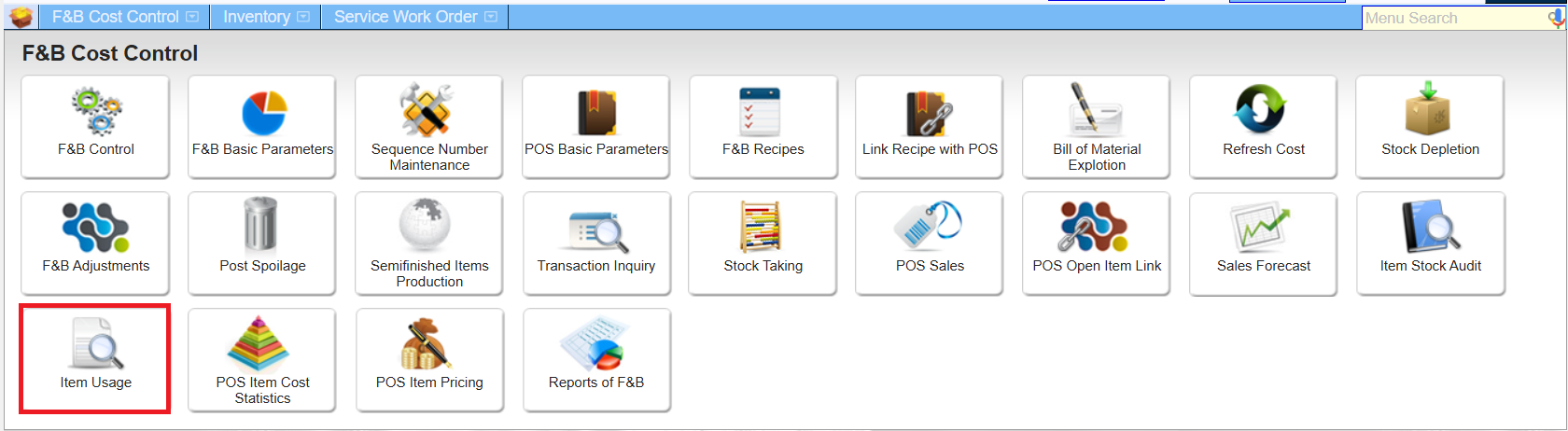
The bulk ingredient update option in Item usage under FNB cost control helps to replace the ingredient which is been used in multiple recipes all together or recipe group wise.
Select the ingredient to be changed and the new item then search. Upon doing this the recipes where the item is been used will list out and the search can be done group wise. Click on update recipe button to update the recipes listed.