![logo.png]](https://kb.prologicfirst.online/hs-fs/hubfs/Imported%20sitepage%20images/logo.png?height=40&name=logo.png)
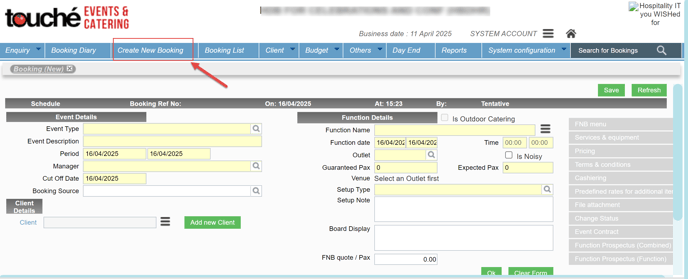
Step 1: Click on the Create New Booking Tab
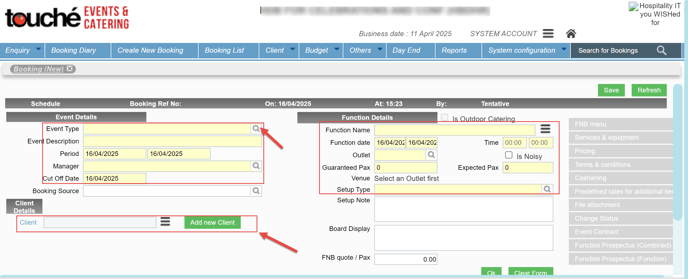
Step 2: Fill in the mandatory fields which are highlighted as Yellow in the below screenshot:
Step 3: After filling all the fields like below, please click OK:
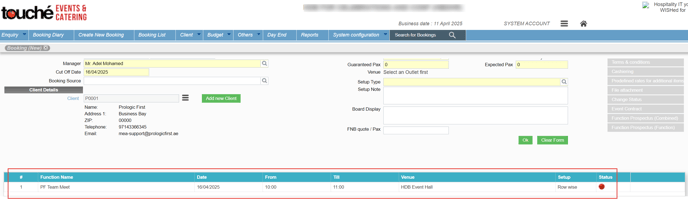
Step 4: After clicking on OK, the booking will show down as in below screenshot 1, select it and click on Save in screenshot 2:
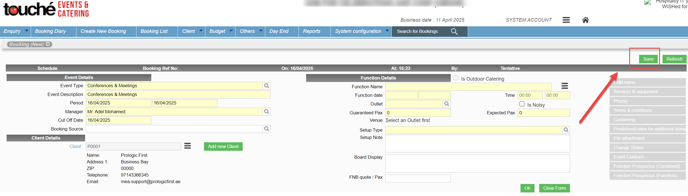
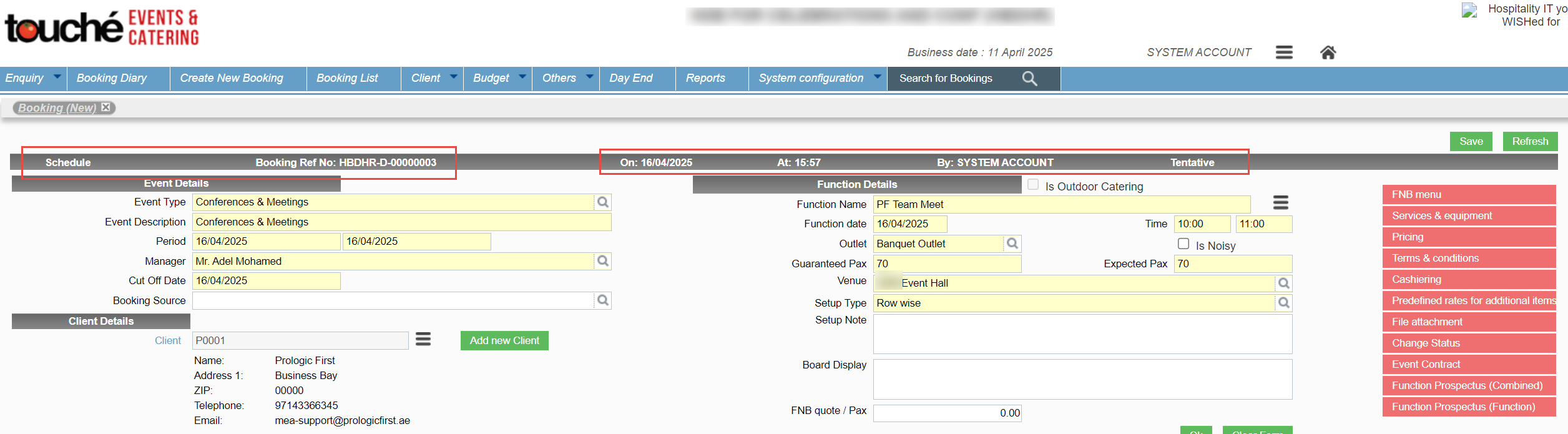
After Saving the booking is created and you can see the generated booking reference No, etc like in below screenshot: