![logo.png]](https://kb.prologicfirst.online/hs-fs/hubfs/Imported%20sitepage%20images/logo.png?height=40&name=logo.png)
Approved purchase orders can be cancelled after the final print. Cancellation can happen for various reasons starting from cancellation of the contract with the vendor to placing an incorrect order to the supplier. The reason of cancellation is completely at the discretion of the hotel.
To cancel a PO:
1. Locate the PO to be cancelled and open it for editing.
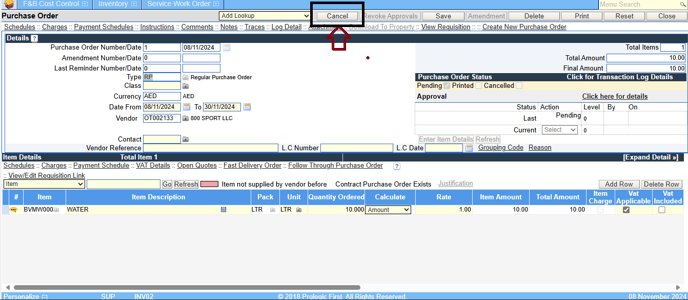
2. In the main PO screen click the button of cancel on the top of the screen.
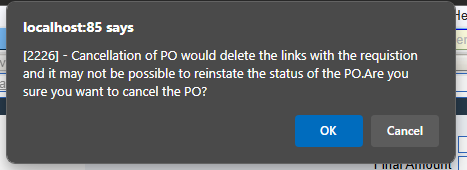
3. The following message appears. Click the Yes button to confirm cancellation.