![logo.png]](https://kb.prologicfirst.online/hs-fs/hubfs/Imported%20sitepage%20images/logo.png?height=40&name=logo.png)
The screen of Release cheque can also be accessed from the main menu.
The
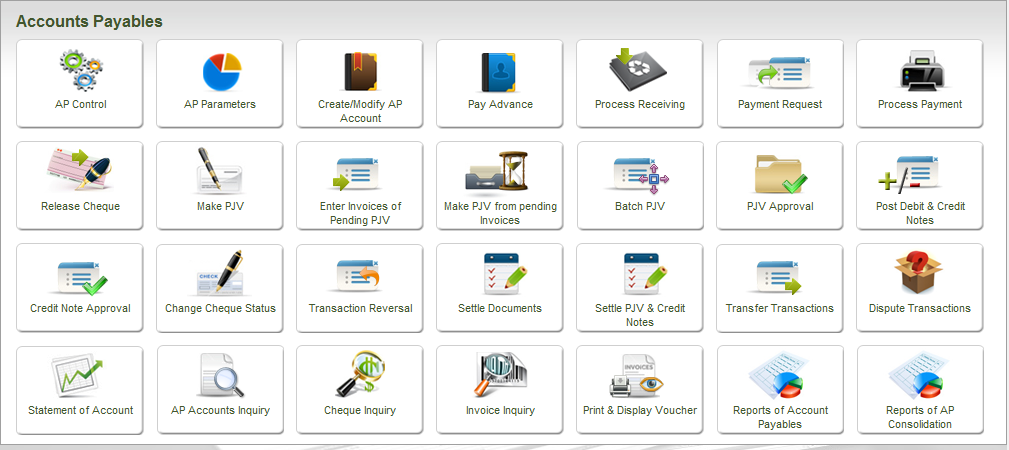
In case the option chosen is to assign, print and also release the cheque then once the cheque is printed and the system displays the message of success (ref. above picture), the following screen is loaded automatically.
This is the Release Cheque Screen, required to carry out the function of releasing the cheque to the supplier.
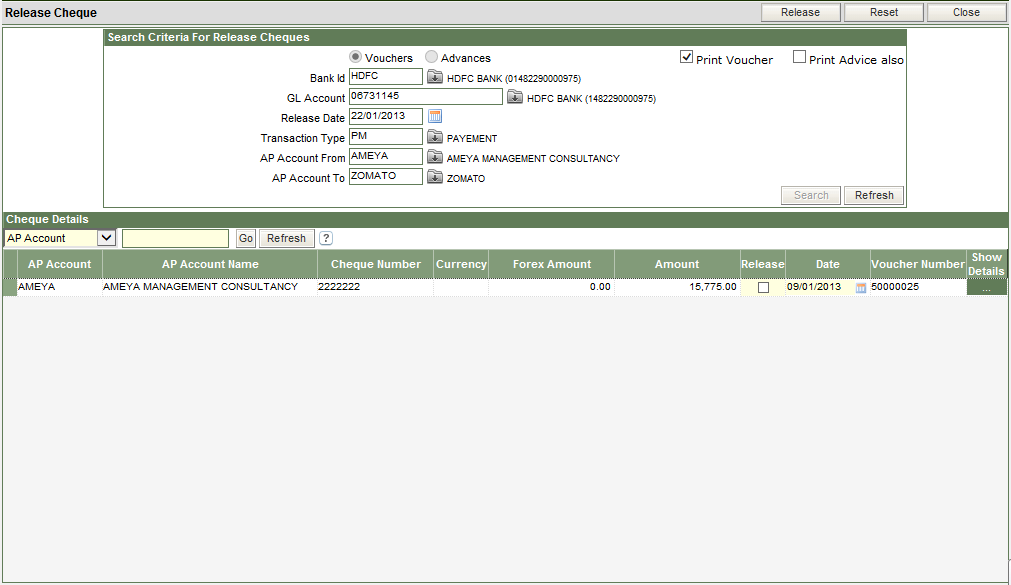
The top half (APR Fig 2.) of the screen displays the header information of the cheque that has to be released, i.e. Vendor Id, Bank ID, the GL account code of the Bank.
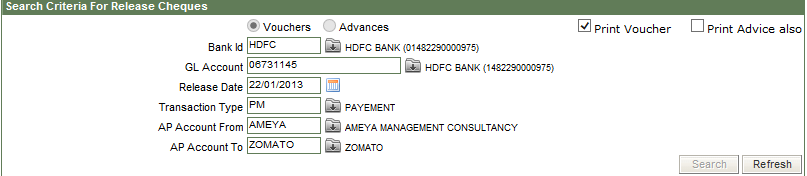
Enter the Release Date that is the date on which the cheque is being released.
The transaction type is PM (Payment).
It is only when a cheque is released in the system, does the application record a payment transaction.
By default, the option of Print Voucher is ticked. Payment Advice can also be printed by ticking the option of Print Advice also.

The lower half of the screen (APR Fig 3) displays the cheque that has been printed.
To release the cheque tick the check box in the Release column and click on the Release button, present on the top of the screen.
The Payment Voucher is printed
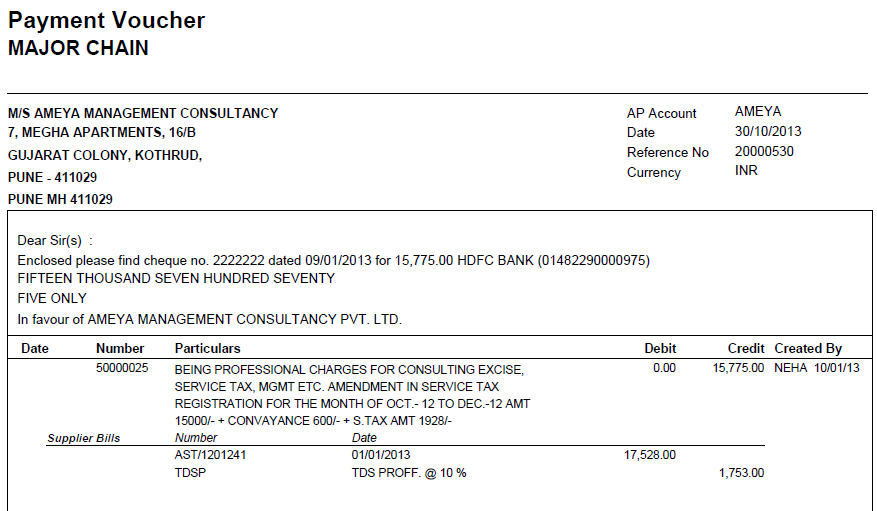
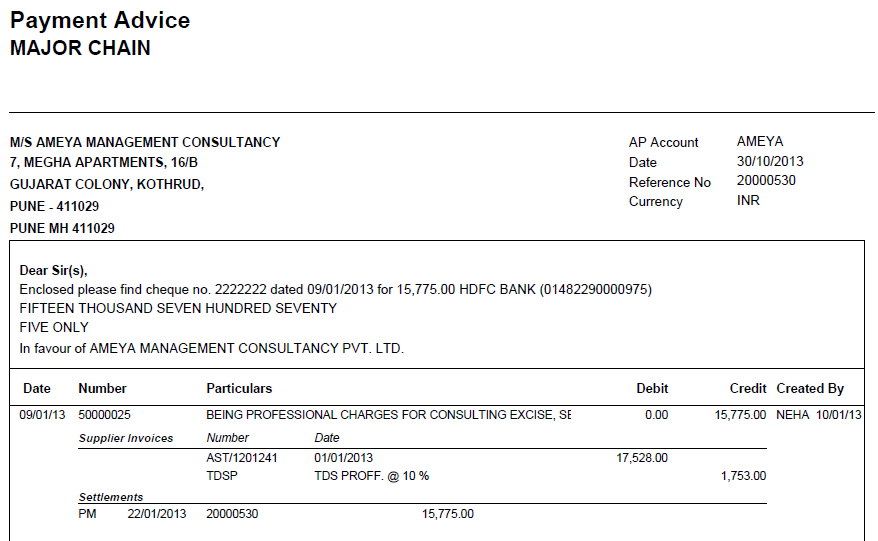
The payment advice is printed (if the option is chosen)